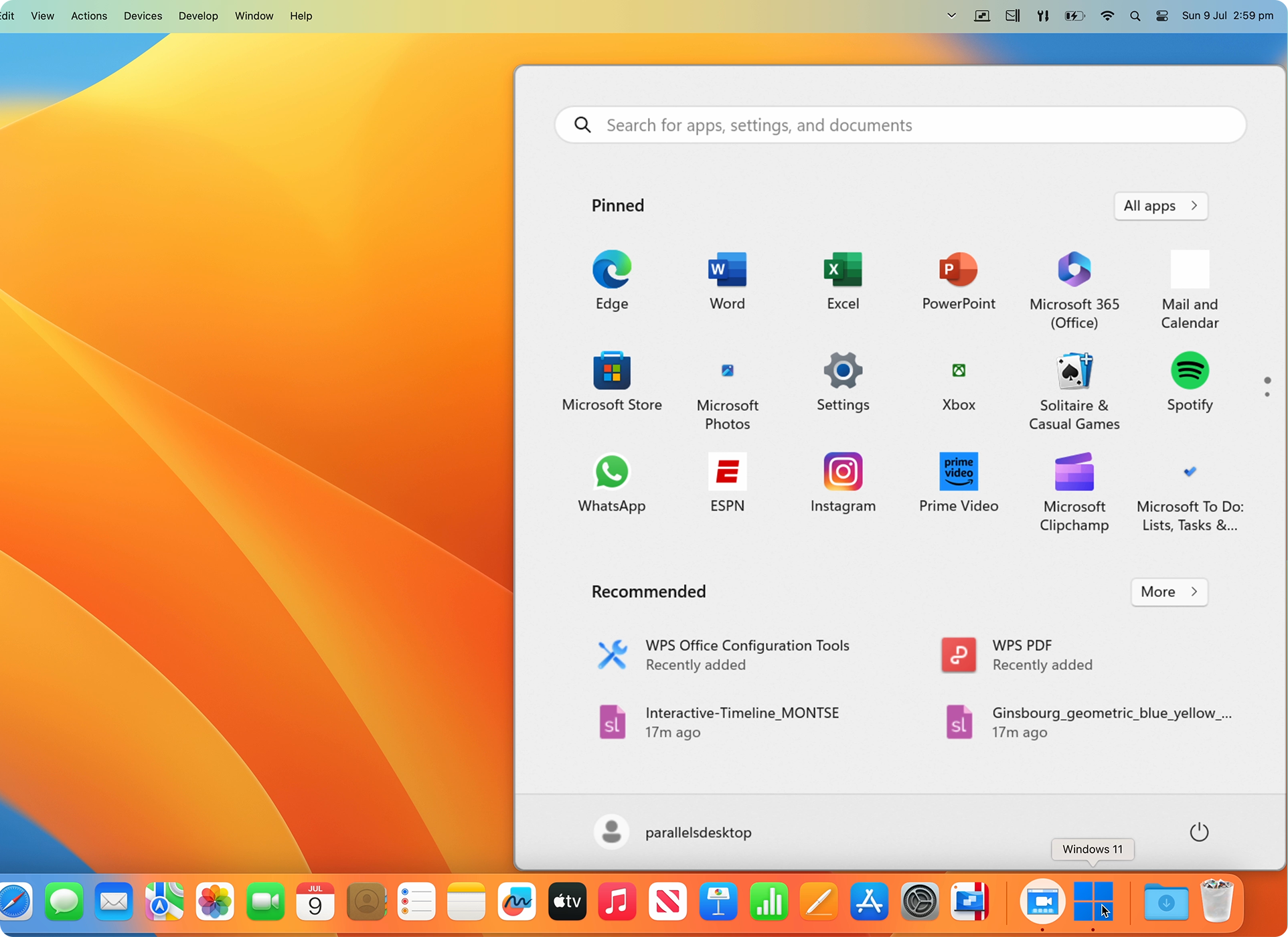
Parallels Desktop v26.0.0-57236 you can use Windows and its applications right on your Mac. You don’t have to choose one computer over the other.
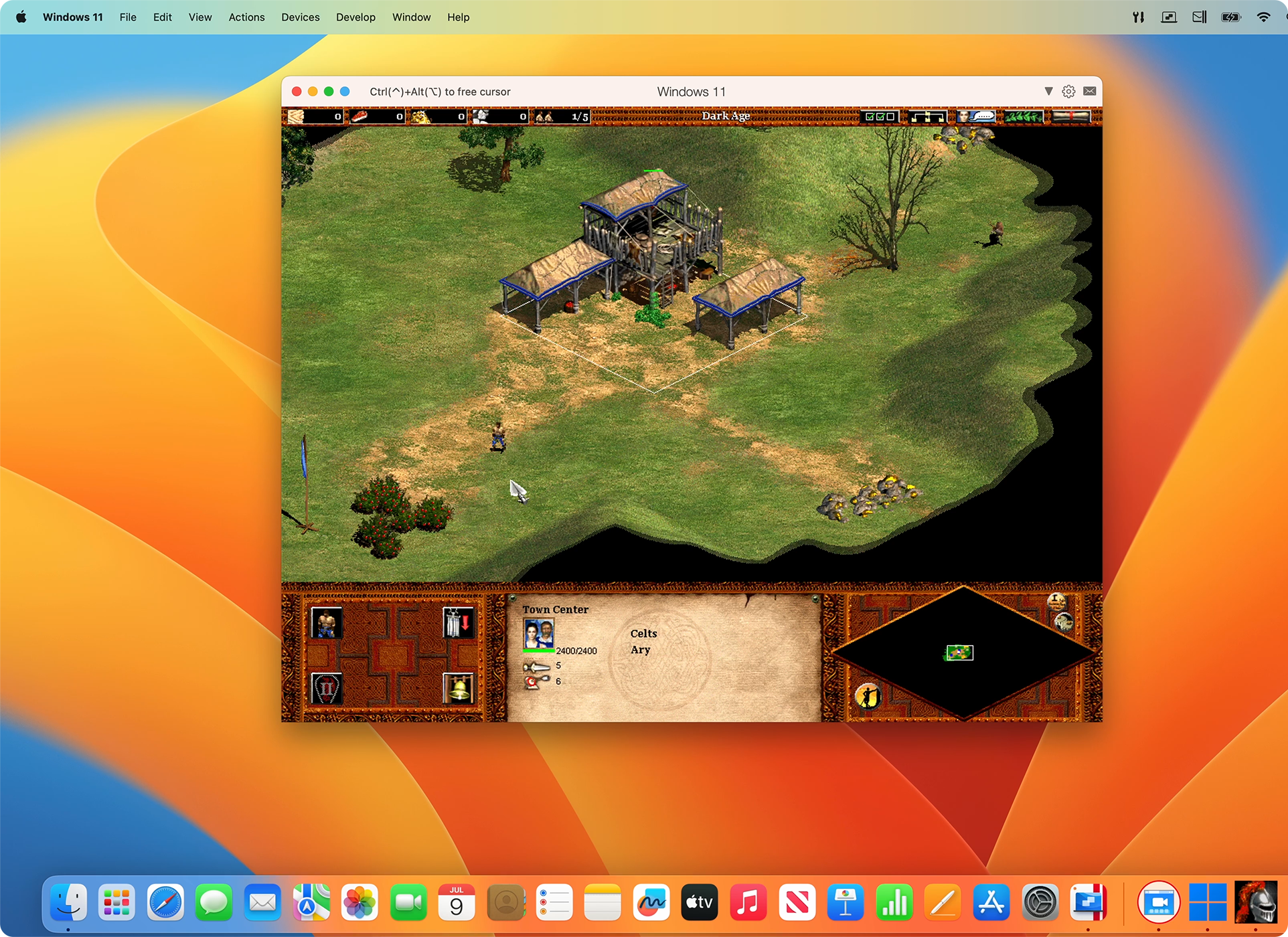
You have the freedom to run your favorite Windows programs directly on your Mac desktop, without seeing the Windows interface at all. Or, if you prefer, you can open the full Windows desktop to work within a familiar environment.
This is the perfect solution for using essential Windows software that isn’t available for Mac. It also makes switching from a PC to a Mac simple, as you can easily bring all your files, applications, and settings with you.
You may also like to download: VirtualBox
Operating system:
- macOS Sonoma 14.0 or newer
- macOS Ventura 13.2 or newer
- macOS Monterey 12.6 or newer
- macOS Big Sur 11.7 or newer[1]
- macOS Catalina 10.15.7 or newer[1]
- macOS Mojave 10.14.6 or newer[1]
Systems Requirements:
- Processor: Any Apple silicon chip
Intel Core i5, Core i7, Core i9, Intel Core M or Xeon processor - Memory: 4 GB of RAM
- Storage: 600 MB for Parallels Desktop application installation
Additional disk space for the guest operating system (at least 16 GB is required for Windows OS) - Graphics: Apple M2, M2 Pro, M2 Max, M2 Ultra, M1, M1 Pro, M1 Max, and M1 Ultra chips
Intel, AMD Radeon, or NVIDIA graphics cards
[1] — The marked OS version is not supported by Parallels Desktop 19, and the product installer will set up an earlier product version; support of guest operating systems can be limited. It is recommended to update macOS if possible.
Supported guest operating systems
Supported guest operating systems (Mac with Apple silicon): Only ARM versions of operating systems are supported.
- Windows 11 Pro and Enterprise editions (recommended)
- Ubuntu Linux 23.04, 22.04, 21.10, 21.04, 20.10, 20.04
- Fedora Workstation 38 and 37
- Red Hat Enterprise Linux 9
- Debian GNU/Linux 11 and 10
- Kali Linux 2023.1, 2022.2, 2022.1, 2021.3
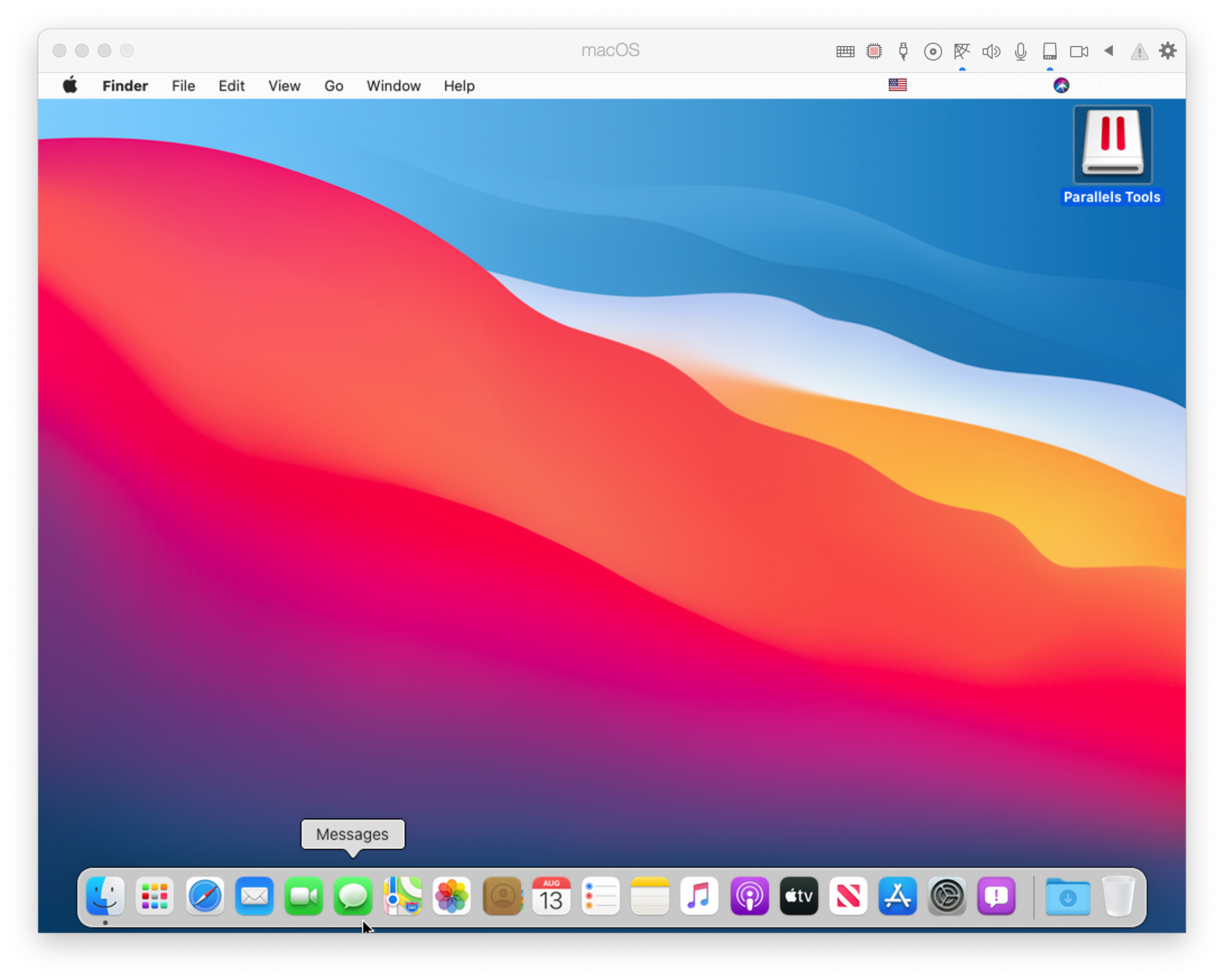
- macOS Monterey 12 (in-app download)
- macOS Ventura 13 (in-app download)
- macOS Sonoma 14 (in-app download)
Supported guest operating systems (Mac with Intel processors): Only x86 versions of operating systems are supported.
- Windows 11 (recommended)
- Windows 10 [1]
- Windows Server 2022
- Windows Server 2019
- Windows Server 2016
Note: To run legacy Windows OS versions (2000, XP, Vista, 7, 8/8.1), download and use Parallels Tools version 18.3.0. Learn more at https://kb.parallels.com/en/129252.
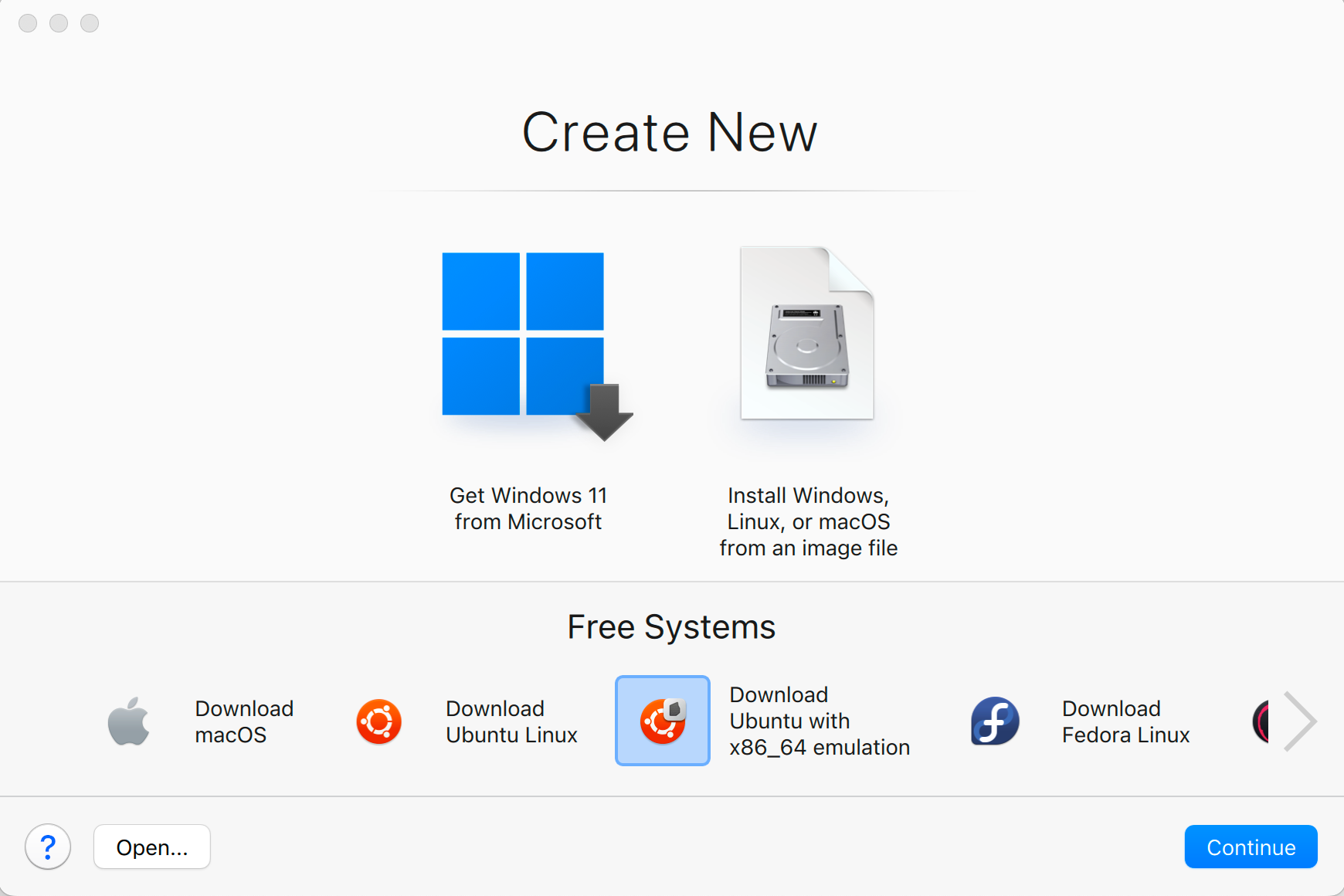
Parallels Desktop for Mac emulates PC hardware, so operating systems that are not present in this list can work as well. You can download the Parallels Desktop trial and install an operating system of your choice. If it doesn’t work and you believe it should be supported, let us know at Parallels Forum.
To learn more about the limitations of running Windows 11 in Parallels Desktop, please visit KB 129497.
Parallels Tools for Linux require X Window System version 1.15-1.20 and Linux Kernel version 3.1-6.4-rc2.
Screenshots:
Features:
- Run business-critical apps like Microsoft Office, QuickBooks™, Autodesk Revit®, ArcGIS, Photoshop®, and more on Mac without compromise.
- Handles graphics-intensive Windows apps smoothly on MacBook®, iMac®, Mac mini®, and Mac Pro®.
- Join Windows to Active Directory and enforce corporate policies like on physical PCs.
- Secure data with encrypted virtual machines and password-protected configurations.
- Create time-limited virtual machines that expire automatically for safer data sharing.
- Fully compatible with macOS Sonoma 14 as both host and guest OS.
- Use Mac’s Touch ID to log in to Windows; credentials stored safely in macOS Keychain.
- Supports OpenGL 4.1 for better performance in apps like ArcGIS Pro, CityEngine 2023, and Vectorworks Vision 2023.
- Improved printing with Internet Printing Protocol (IPP) for better hardware compatibility.
How to Crack Parallels Desktop 19.1.0
Install Parallels Desktop:
- https://download.parallels.com/desktop/v19/19.1.0-54729/ParallelsDesktop-19.1.0-54729.dmg
- Sign out your account
- chmod +x install.sh && chmod +x Launch\ Parallels.command && sudo ./install.sh
- Double click Launch Parallels.command
You will always need to use this launcher as a workaround to prevent signature errors from occurring. However, if you are a developer with permission to use com.apple.vm.* or are willing to disable System Integrity Protection, there is a better approach available.
Operation not permitted
Enable System Preferences ▸ Privacy & Security ▸ Full Disk Access ▸ Terminal
Codesign error
Ensure xcode command line tools installed. Install it with using the command xcode-select –install.
Check installation with xcode-select -p, which will output /Library/Developer/CommandLineTools or /Applications/Xcode.app/Contents/Developer.
Hosts
You also wan’t to block Parallels Servers.
127.0.0.1 download.parallels.com
127.0.0.1 update.parallels.com
127.0.0.1 desktop.parallels.com
127.0.0.1 download.parallels.com.cdn.cloudflare.net
127.0.0.1 update.parallels.com.cdn.cloudflare.net
127.0.0.1 desktop.parallels.com.cdn.cloudflare.net
127.0.0.1 www.parallels.cn
127.0.0.1 www.parallels.com
127.0.0.1 www.parallels.de
127.0.0.1 www.parallels.es
127.0.0.1 www.parallels.fr
127.0.0.1 www.parallels.nl
127.0.0.1 www.parallels.pt
127.0.0.1 www.parallels.ru
127.0.0.1 www.parallelskorea.com
127.0.0.1 reportus.parallels.com
127.0.0.1 parallels.cn
127.0.0.1 parallels.com
127.0.0.1 parallels.de
127.0.0.1 parallels.es
127.0.0.1 parallels.fr
127.0.0.1 parallels.nl
127.0.0.1 parallels.pt
127.0.0.1 parallels.ru
127.0.0.1 parallelskorea.com
127.0.0.1 pax-manager.myparallels.com
127.0.0.1 myparallels.com
127.0.0.1 my.parallels.com
Parallels Desktop will uncomment these, therefore one needs to lock the hosts file:
sudo chflags uchg /etc/hosts && sudo chflags schg /etc/hosts
Unlock:
sudo chflags nouchg /etc/hosts && sudo chflags noschg /etc/hosts
OS download
You will not be able to download operating systems in the Control Center anymore. Comment these out to get this functionality:
# 127.0.0.1 download.parallels.com
# 127.0.0.1 desktop.parallels.com
# 127.0.0.1 download.parallels.com.cdn.cloudflare.net
# 127.0.0.1 desktop.parallels.com.cdn.cloudflare.net
Here’s the best way to crack Parallels 19 by Ion B:
- Completely close the program after installation.
- (Optional) Go to MacOS settings, Privacy, and security, and allow the terminal full access to the file system and apps management.
- Open the Crack folder in the terminal.
- Enter the following command: chmod +x ./Install_Patch.command && sudo ./Install_Patch.command
- Follow the procedure as it’s pupping up in the terminal until it’s done.
Note: Run this before installing.
sudo xattr -rd com.apple.quarantine (Image path)
Note: You need to register & sign in before you block the outgoing connectIons and apply the serial.
After upgrading a Mac to Big Sur, the “Network initialization failed” message appears when starting a virtual machine.
- Shut down the virtual machine and quit Parallels Desktop.
- Open Terminal (Applications > Utilities > Terminal), copy and paste the following command, and press Enter:
sudo rm /Library/Preferences/SystemConfiguration/preferences.plist - When prompted, enter your Mac’s password and press Enter (Terminal doesn’t show the password you type).
- Perform the same for the command below and restart Mac afterward:
sudo rm /Library/Preferences/SystemConfiguration/NetworkInterfaces.plist
Mojave note: failed to install from the DMG-within-the-DMG, and after manually copying the hidden Parallels app to /Applications and making it visible with
chflags nohidden /Applications/Parallels\ Desktop.app
codesign –sign – –force –deep /Applications/Parallels\ Desktop.app
Then double-click the Parallels Desktop.app to install.
PS: if you get a detritus error, first execute the following before code-signing:
xattr -cr /Applications/Parallels\ Desktop.app
Fix the “Parallels is Damaged” error, when is installing, is because it tries to run the app before copying the Parallels Desktop.app to the application folder.
- Open Terminal type( it disables the security to allow install modified/cracked apps):sudo spctl –master-disable
- Enter your password
- Open the dmg downloaded and run the Install as normal
- WHEN appears the error “Parallels is Damaged” just press cancel.
- Open terminal and copy and run this command ( this will copy the Parallels Desktop.app cracked to your local Application Folder, IMPORTANT WAIT 2-5min ):sudo cp -R /Volumes/Parallels\ Desktop\ 16.0.0-48916\ -\ Toolbox\ 4.0.0-3231\ by\ TNT/Parallels\ Desktop.app /Applications
- Now copy and run this command ( I don’t know why but the .app is copied as a hidden file, so this will fix it ):sudo xattr -d com.apple.FinderInfo /Applications/Parallels \Desktop.app
- Finally, run this to enable the security and allows to run the Parallels Desktop.app :sudo spctl –master-enablesudo xattr -rd com.apple.quarantine /Applications/Parallels\ Desktop.app
- Just run Parallels from Launchpad and enjoy it – you can check version 16.0 in the menu app